
KituBox ERP
The ledger core: invoices, stock and compliance in one book
The system of record behind the till - quotes become invoices, invoices become a real audit trail, and stock reconciles safely even when two branches sell offline at the same time.
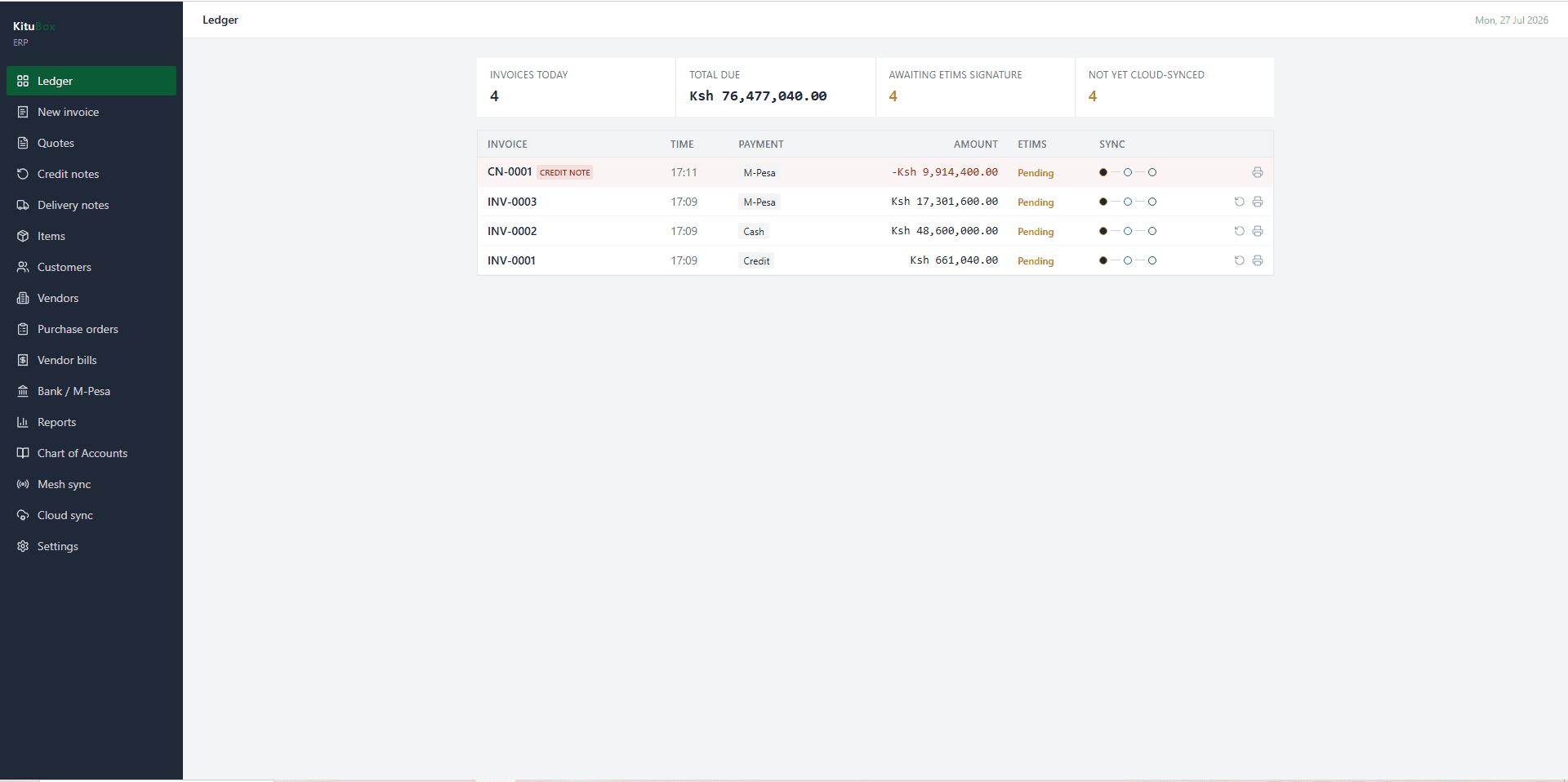
Built for How It Actually Gets Used
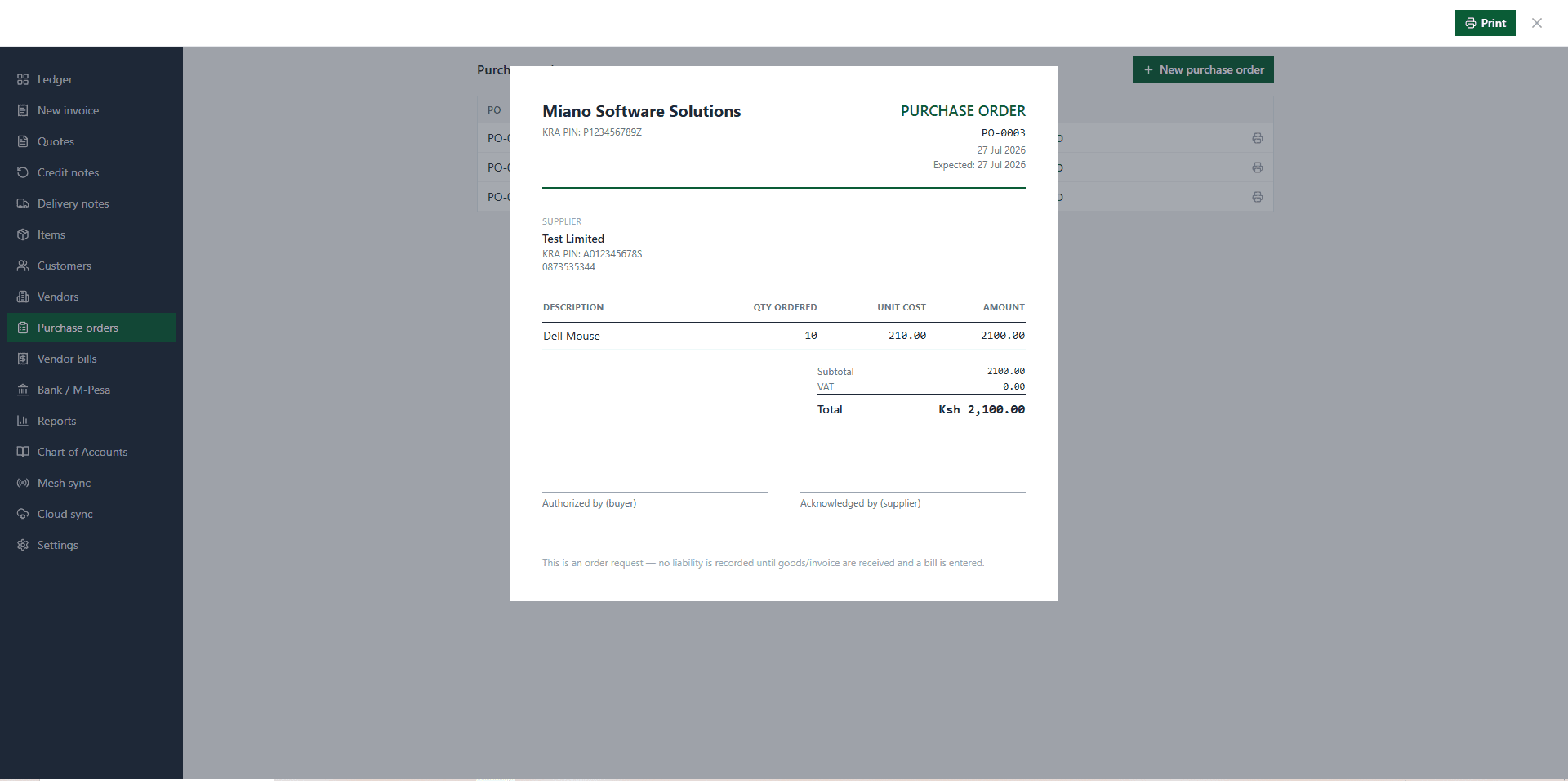
An audit trail, not just a spreadsheet
Invoices are append-only - a correction is a new document, never a silent edit.
- Corrections are issued as credit notes referencing the original invoice, satisfying the KRA audit trail
- Quotes, invoices, delivery notes, purchase orders and vendor bills as distinct, printable documents
- Chart of accounts and a ledger dashboard summarising invoices, amounts due and sync state at a glance
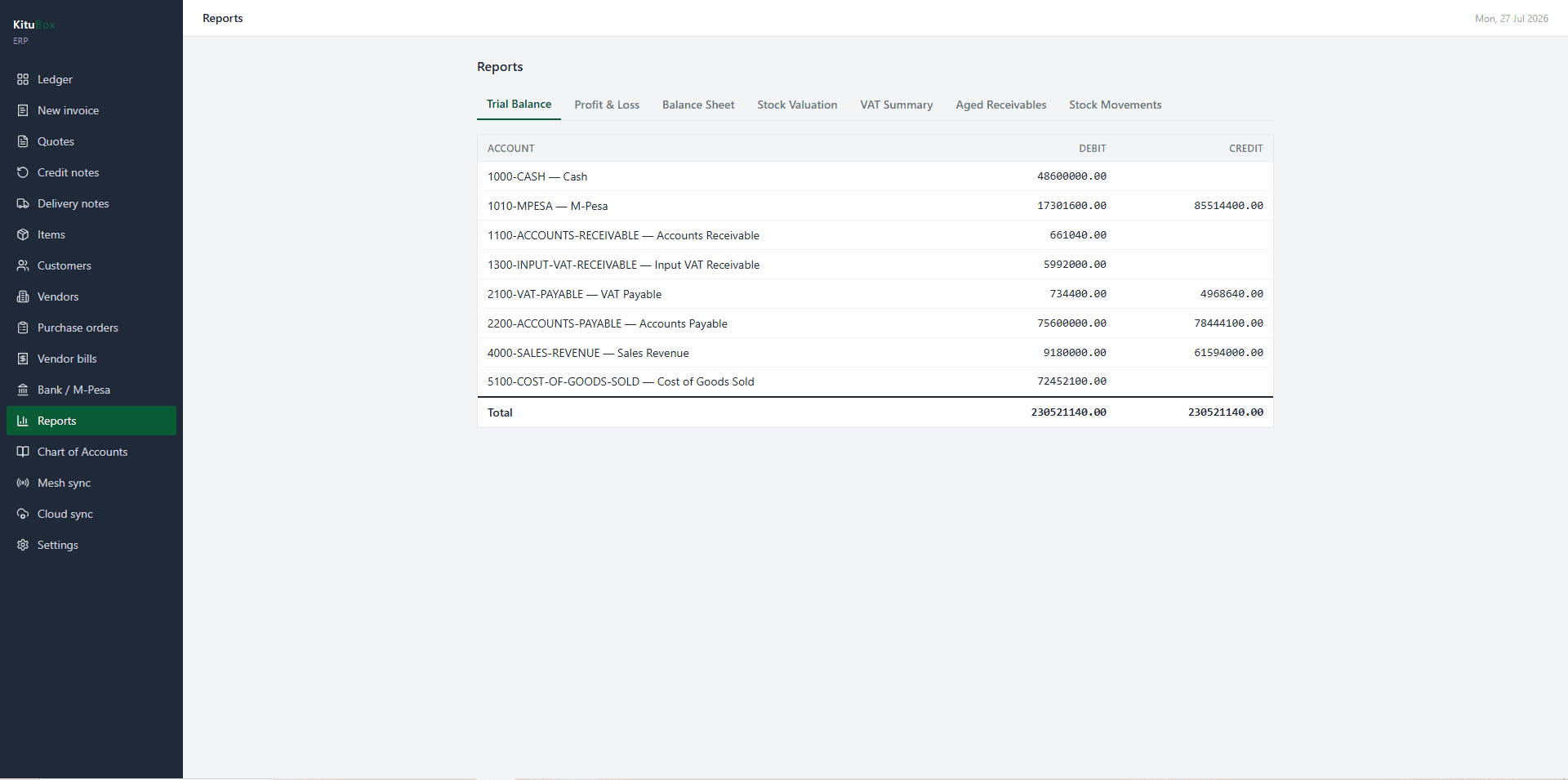
Stock that can't double-sell
Two offline tills selling the same SKU at the same time is the scenario this was built to survive.
- Base stock quantity is immutable except by confirmed cloud sync
- Local sales and restocks append to a pending-deltas ledger instead of decrementing directly
- Deltas sum deterministically on merge, so concurrent offline sales reconcile without conflict
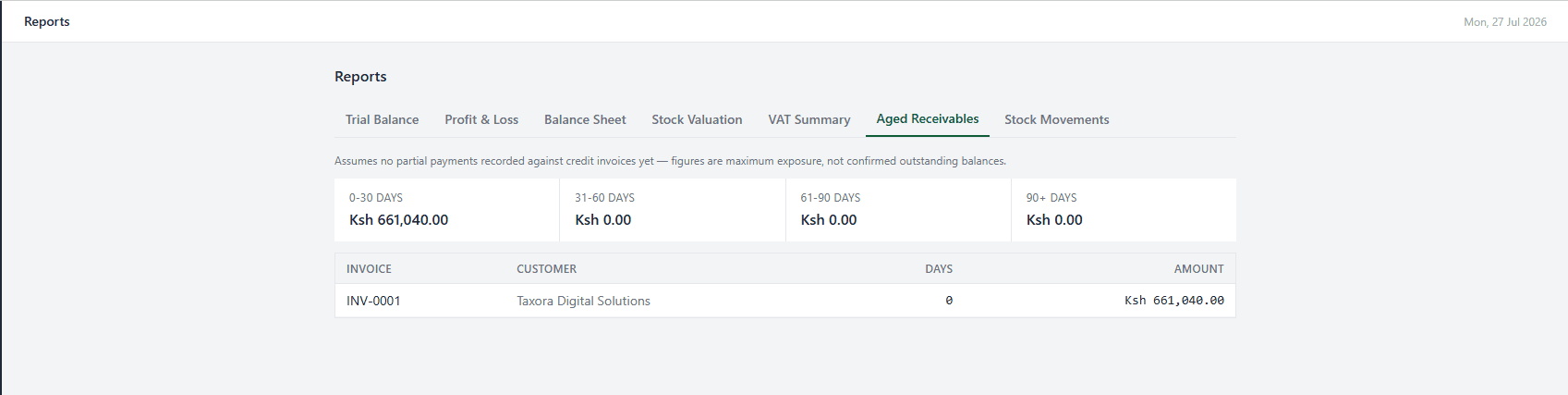
Procurement, the other direction
Purchase orders and vendor bills close the loop from supplier to shelf.
- Purchase orders tracked through to received stock
- Vendor bills and a vendor catalogue with KRA PIN and payment terms
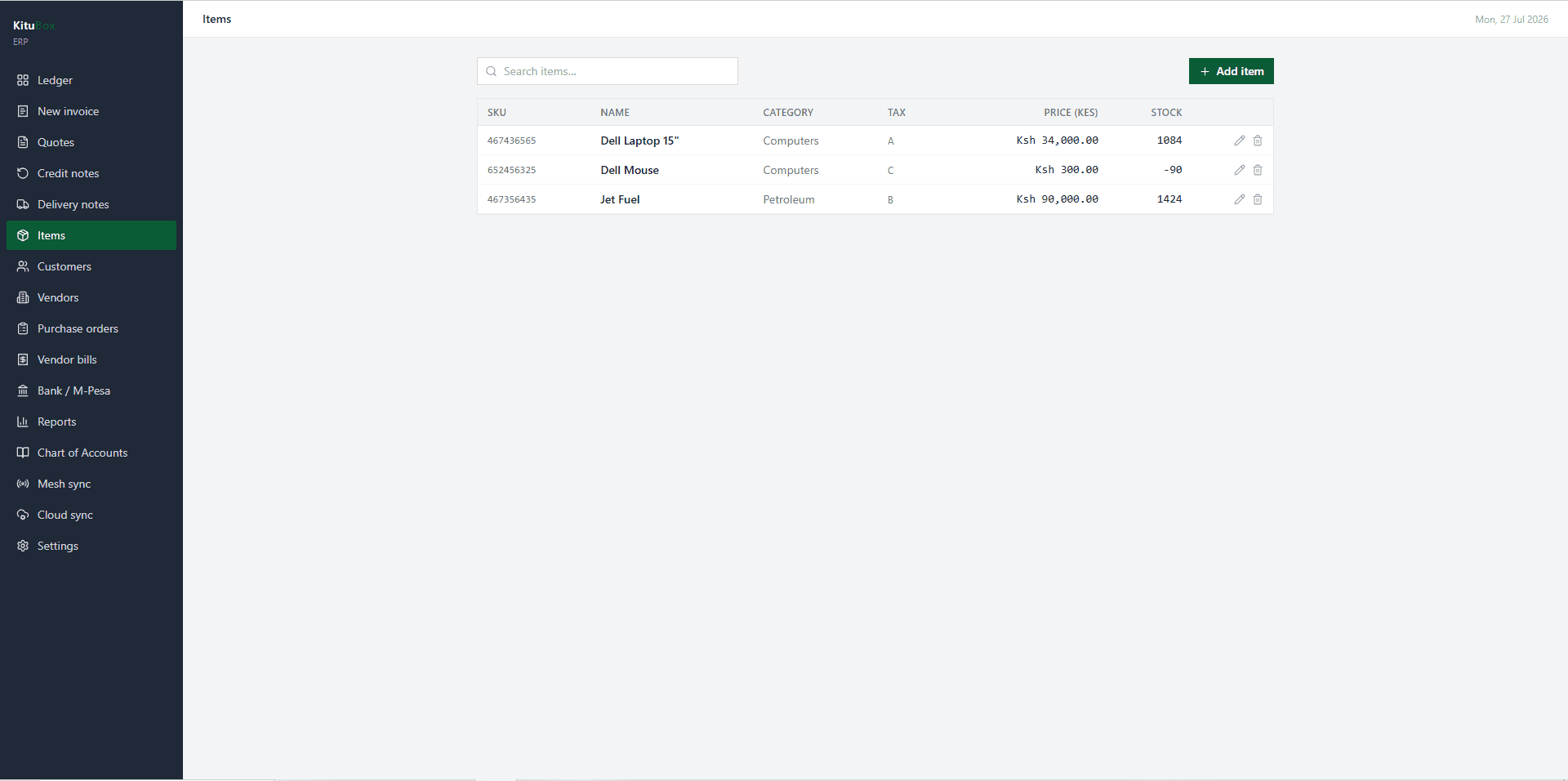
- Item and customer catalogues shared across quotes, invoices and delivery notes
Money in, reconciled
M-Pesa and bank movements match against the ledger instead of living in a separate app.
- Dedicated M-Pesa reconciliation screen against bank/ledger entries
- Reports screen including a VAT summary that flags exactly which invoices are still eTIMS-pending
- eTIMS fields live directly on the invoice, starting in a pending-offline state until signed
Syncs the way the POS does
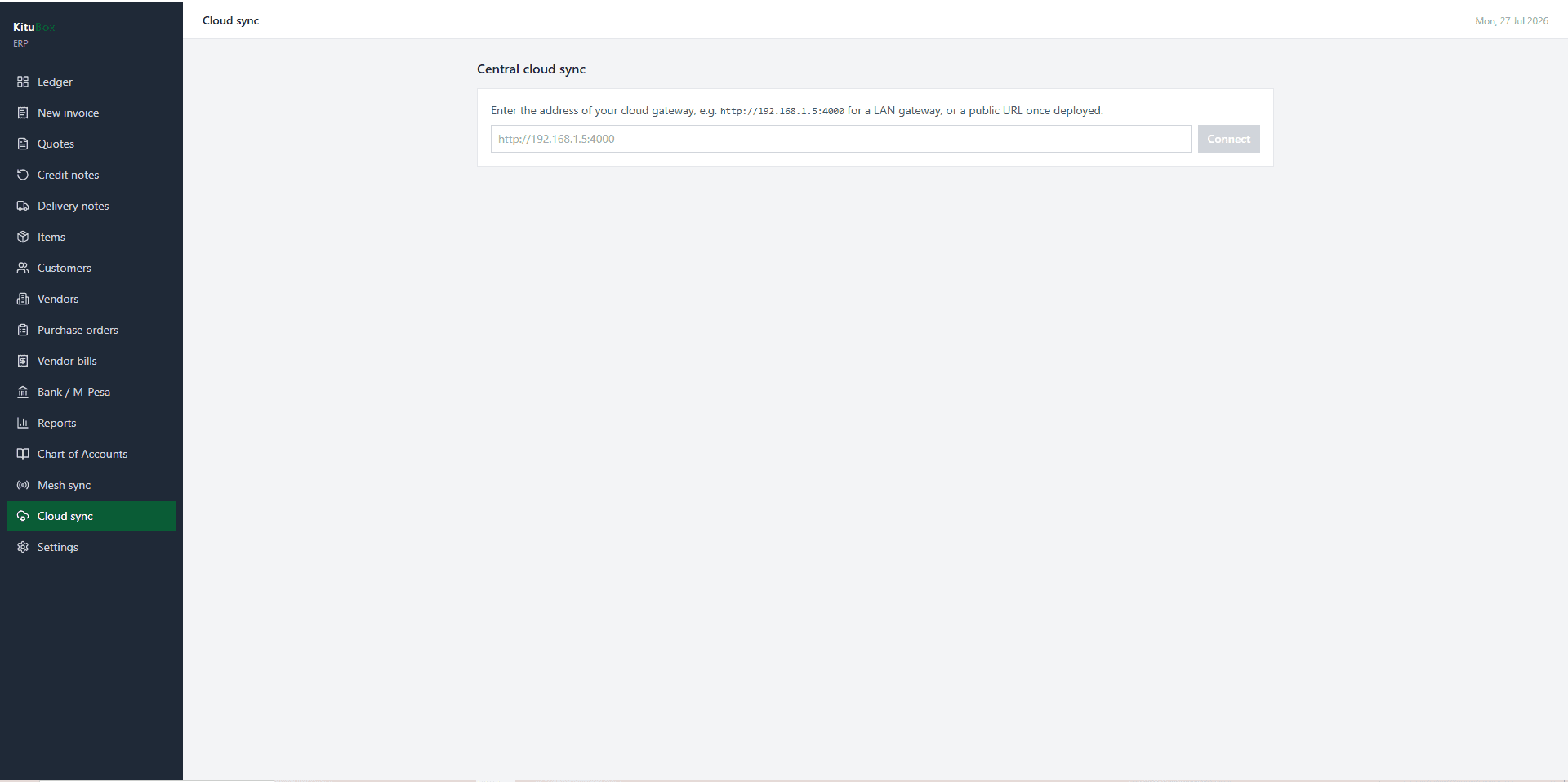
The same mesh-and-cloud sync engine as the rest of the suite, visible in real time.
- Peer-to-peer mesh status panel for device-to-device sync on the same premises
- Cloud sync panel with a live pulse indicator for connection state
Not a Global Template With KES Swapped In
KRA PIN fields, county and town data, M-Pesa as a first-class payment method, and statutory numbers (NSSF, SHIF, Housing Levy, NITA) are part of the data model, not an add-on - because KituBox ERP was built for Kenyan compliance from the first schema.
Every KituBox ERP Screen
Works Standalone or Connected
KituBox ERP works on its own, or connects directly with the rest of the KituBox suite - no duplicate data entry between systems.
KituBox ERP FAQs
See KituBox ERP in Action
Book a free walkthrough, or launch the live app and try it yourself right now.